Short answer
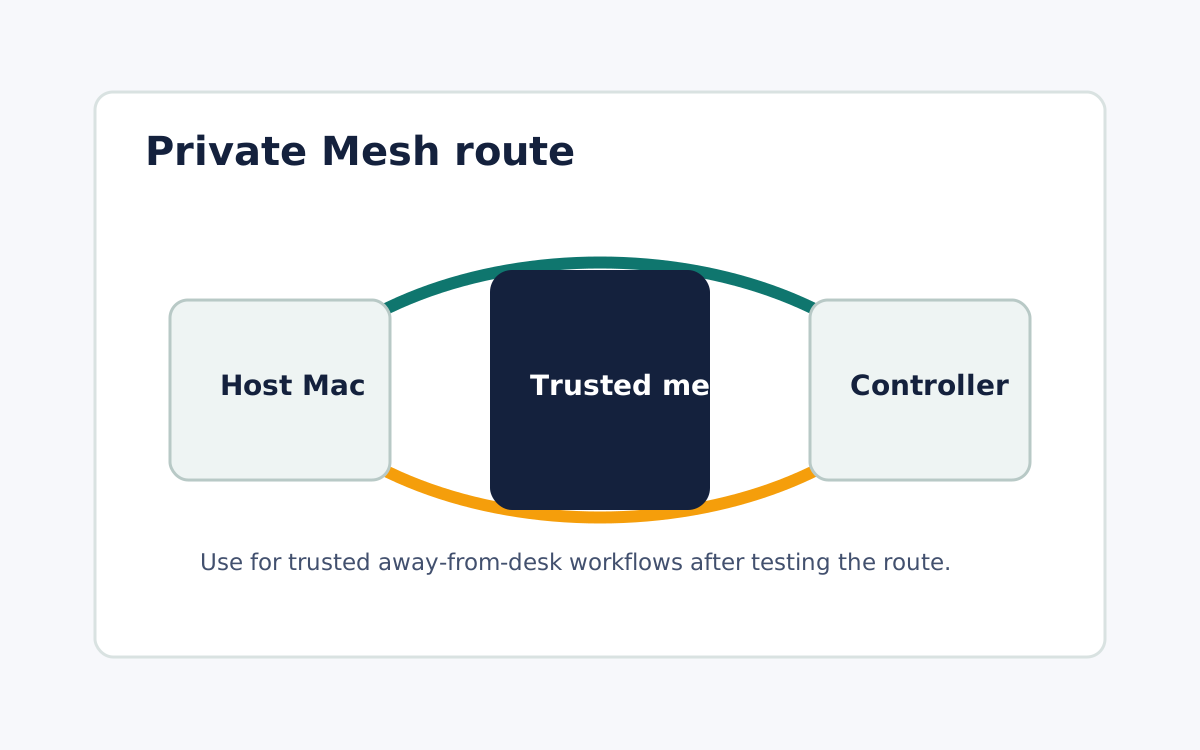
Use an iPhone as a Mac controller by installing the Remote Comp Mac menu bar agent on the host, pairing the phone from that trusted Mac, confirming the route, testing the first task, and ending or revoking access when the session is done. Keep the Mac app in Applications so operating-system permissions and updates stay attached to a stable path, and start pairing from the host that owns the work rather than from the phone. Before you rely on the session, record whether the route is Local Network nearby or a saved Private Mesh path away from the desk, and run the exact task you plan to perform so speed is measured on that route instead of assumed. When the work is finished, close the session and confirm the host is no longer being controlled, using the account, device, and operating-system permission paths to revoke access.
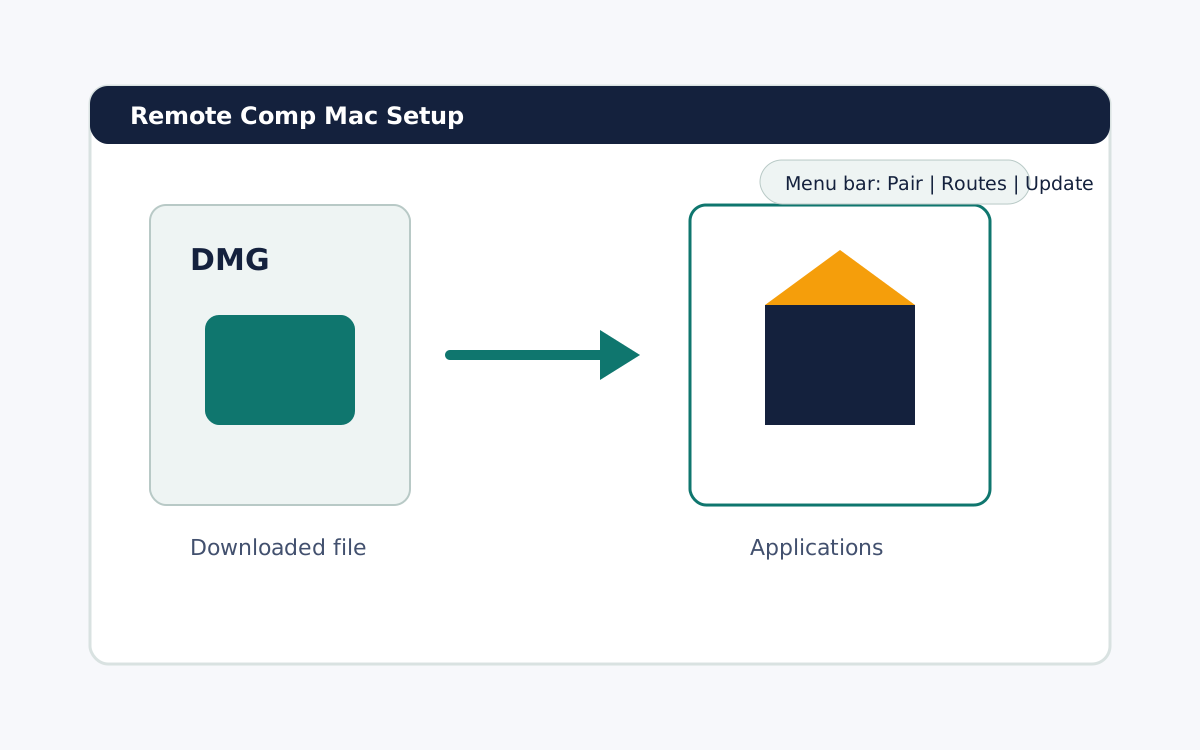
Install the host agent
Keep the Mac app in Applications so OS permissions and updates stay attached to a stable path.
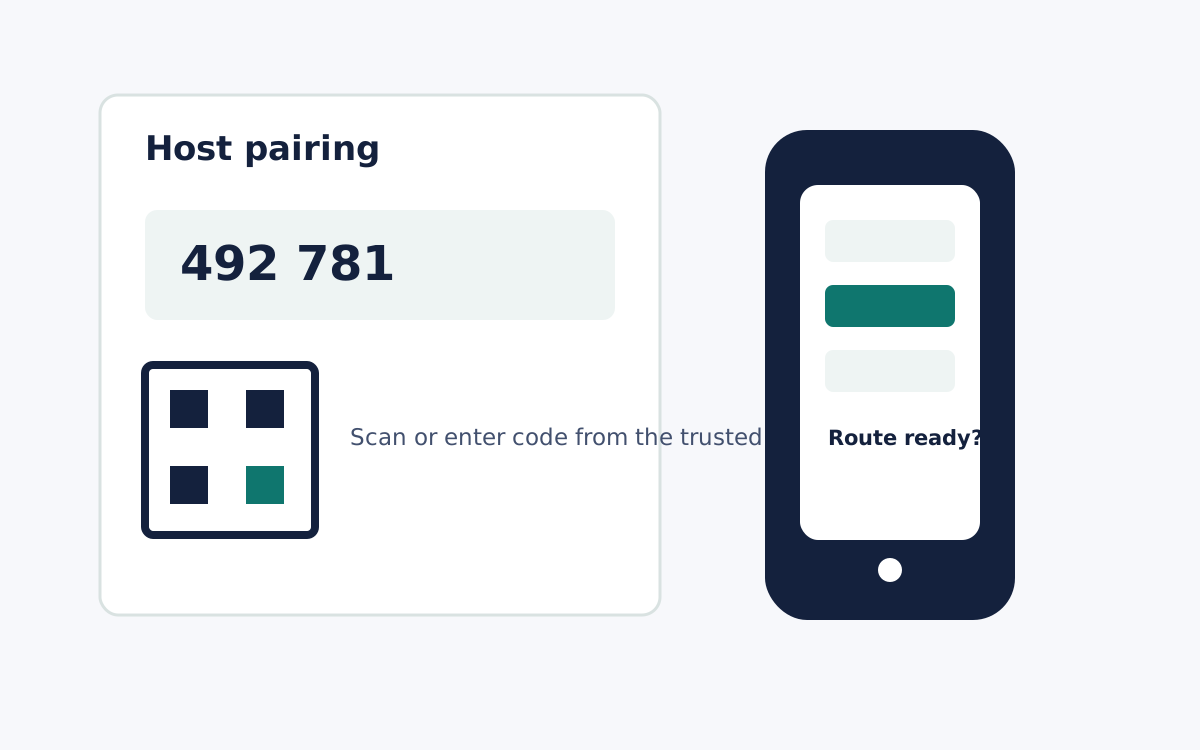
Pair from the trusted host
Start the pairing flow from the Mac that owns the work. Enter or scan the code on the phone controller only after the host shows the setup path.
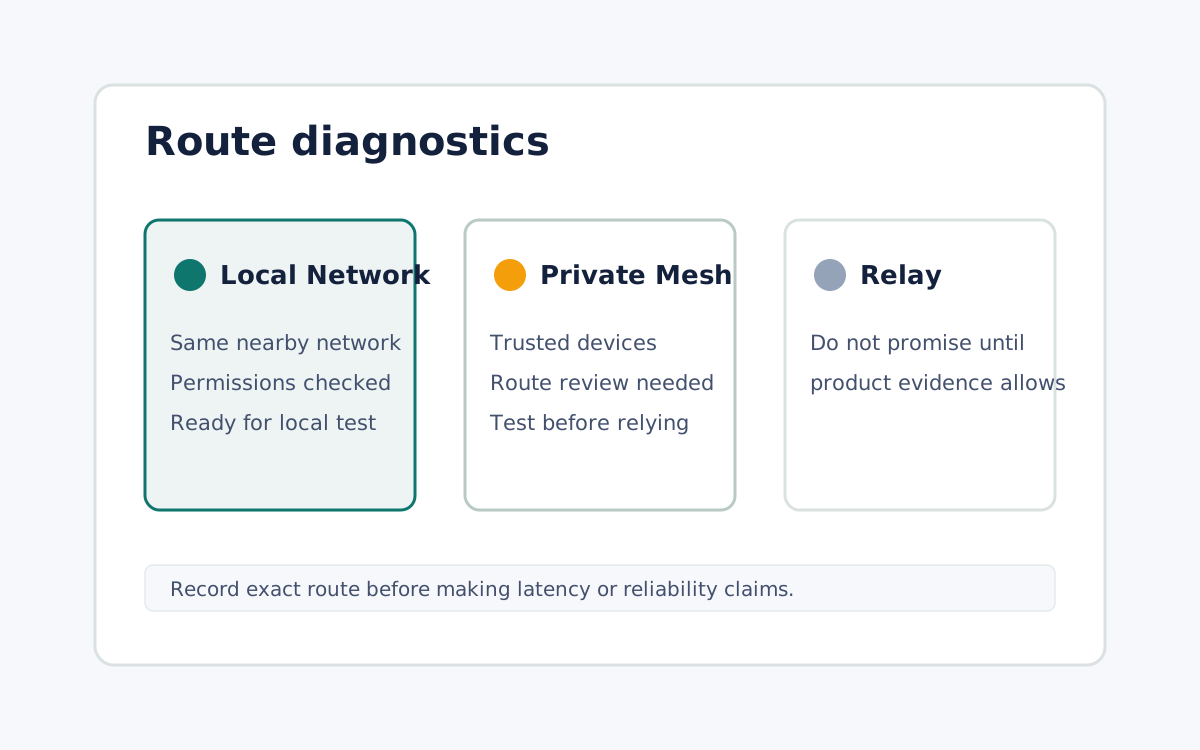
Run a route and latency check
Before relying on the session, record route state and test the exact task you plan to perform.
What it looks like