Direct answer
Remote control is powerful enough that permission language should be plain. Public help should name the required OS and app permissions, explain why each one exists, show the session boundary, and link to revocation steps.
Steps
List the permission before asking for it
Explain what the host will see and control. Do not bury permission details behind a conversion button.
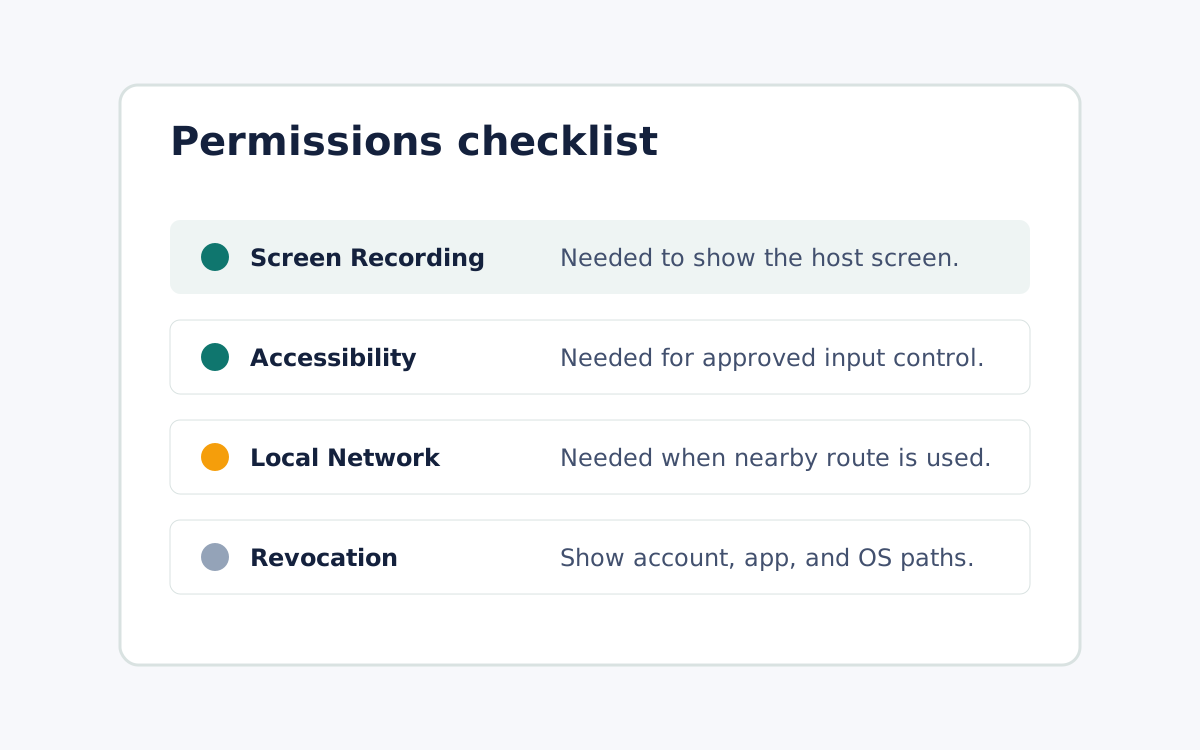
Explain the reason
Tie Screen Recording, input control, microphone, camera, or local network prompts to the exact setup or session job they support.
Show the revocation path
Every trust article should point to account, app, device, and OS-level revocation steps where available.
FAQ
Can public copy say no permissions are risky?
No. Use plain setup and revocation language instead of broad safety adjectives unless an approval pack supports the exact claim.
Can I make compliance or encryption claims here?
Only if the article is tier3 and the approval evidence pack includes current architecture, policy, and legal review.