Direct answer
To end a Remote Comp session, close the active session path from the host or controller and confirm the host is no longer being controlled. To revoke access, use the product account path, app state, device pairing controls, and OS permission settings that apply to the setup.
Steps
End the active session
Close the current control path and verify the host is no longer being controlled before moving to broader revocation.
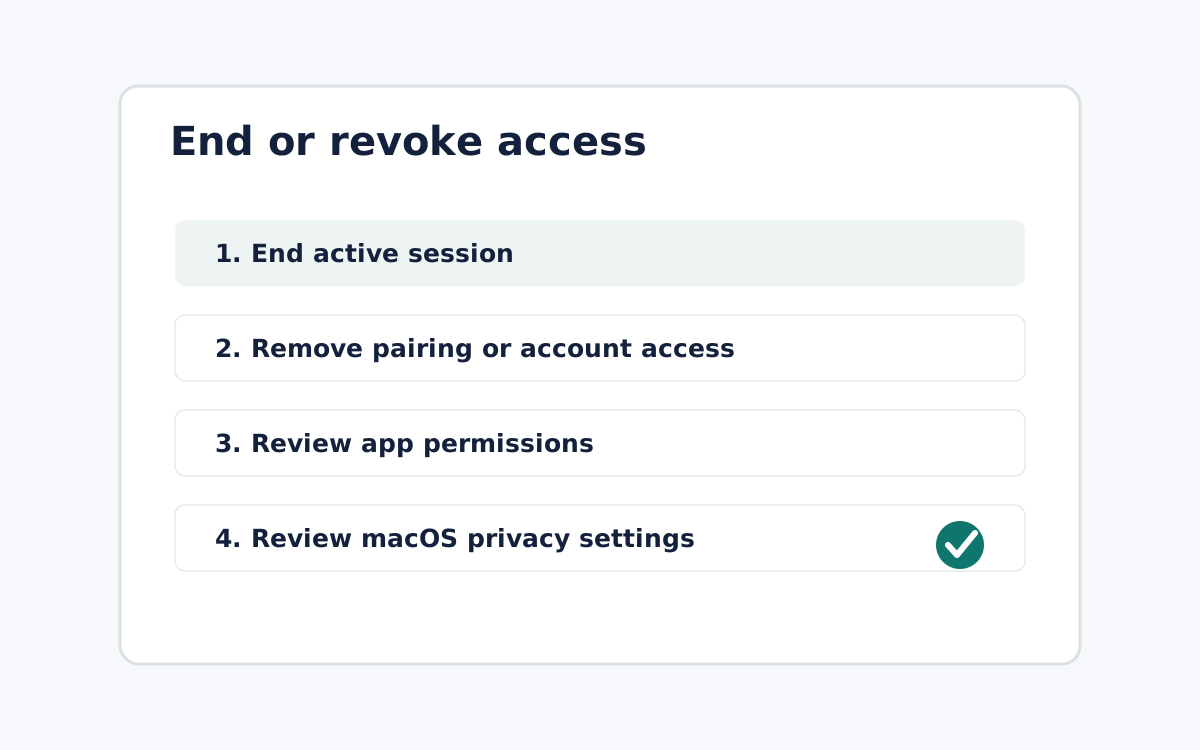
Remove pairing or account access
Use the product account or pairing path when it exists. Record who made the change if the action affects a team workflow.
Review OS-level permissions
Use macOS privacy settings to review Screen Recording, Accessibility, microphone, camera, or Local Network permissions that were granted.
FAQ
Can copy promise one-click revoke?
Only if product evidence proves that exact behavior across the relevant access surfaces.
Should support leave sessions running?
No. Support sessions should be the shortest session that resolves the authorized issue.