Direct answer
Local Network is the nearby path when the controller and host can reach each other directly. Private Mesh is the controlled away-from-desk path for trusted devices. Hosted relay should not be promised in first-release copy unless product evidence says it is active.
Steps
Try Local Network when nearby
If host and controller are on a network that allows local reachability, use that simple path before adding more moving parts.
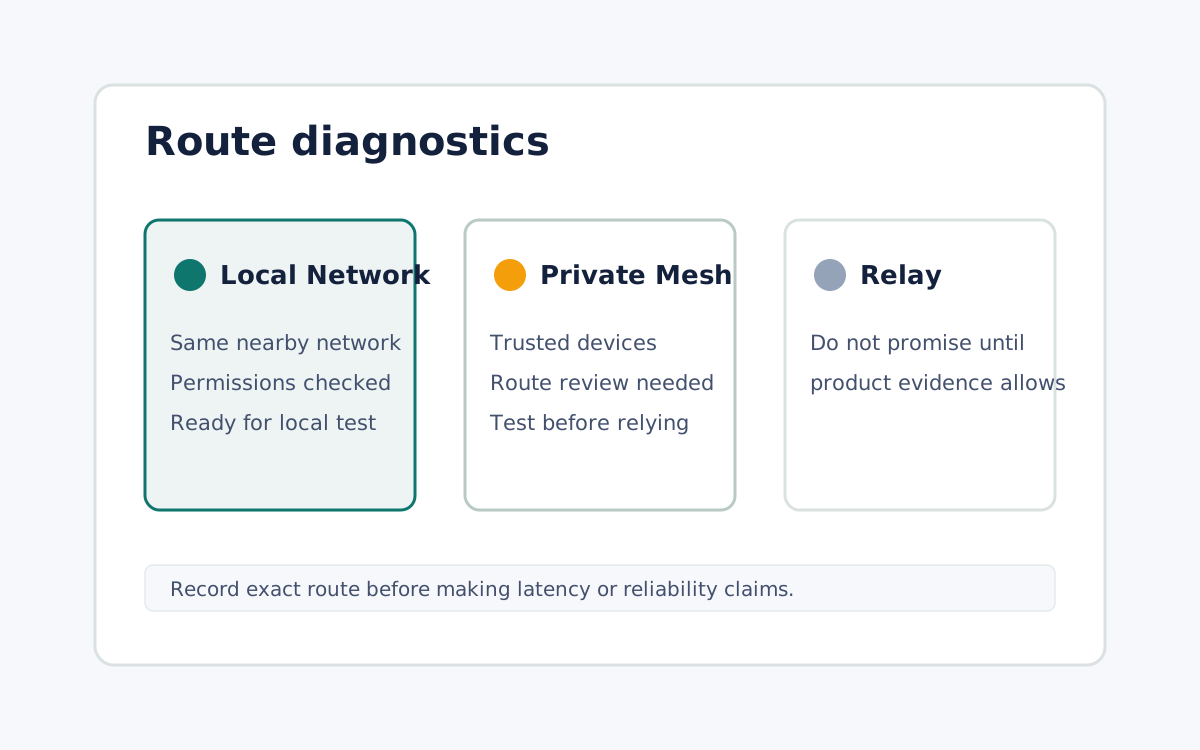
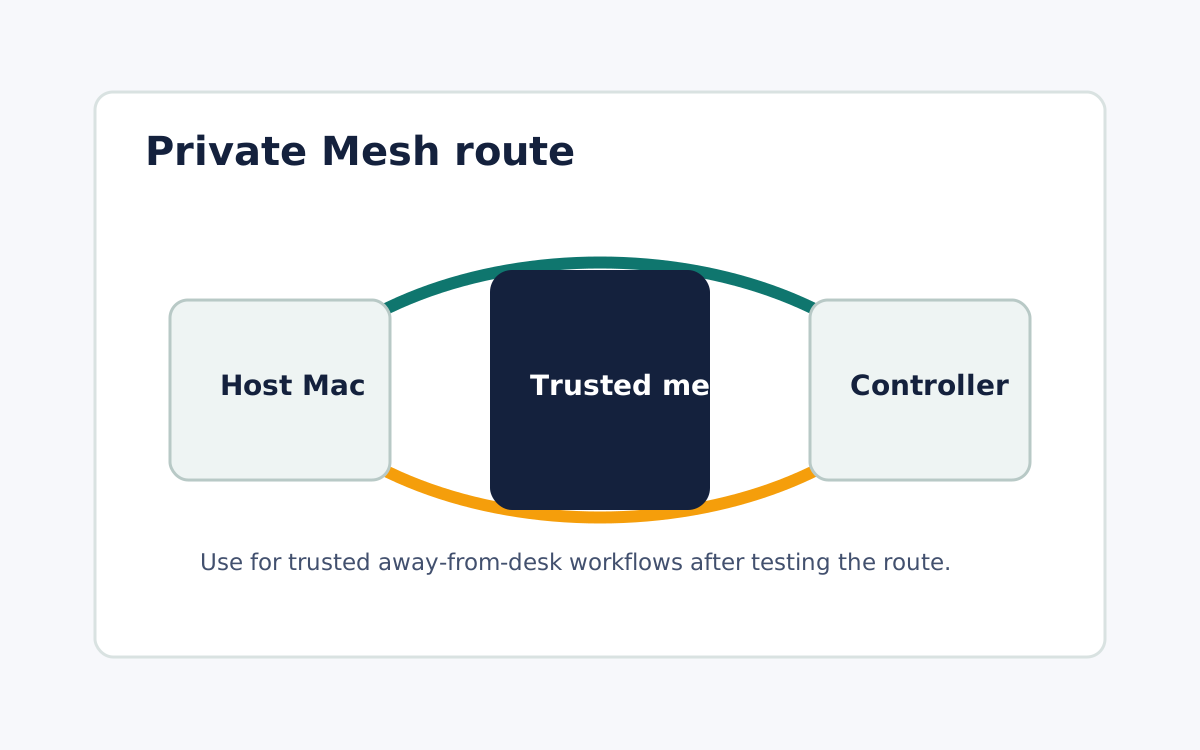
Use Private Mesh for trusted remote paths
Use saved Private Mesh routes when the workflow depends on a trusted host away from the current network.
Diagnose route before blaming the user
When a session feels slow or blocked, inspect browser support, local permissions, NAT state, and the route selected.
FAQ
Can the page promise hosted relay for every first-release session?
No. Keep relay language out of public help and ads unless current product evidence approves it.
Which route should I test for latency?
Test the exact route you plan to use. Same-network benchmarks do not prove private mesh or relay performance.