Short answer
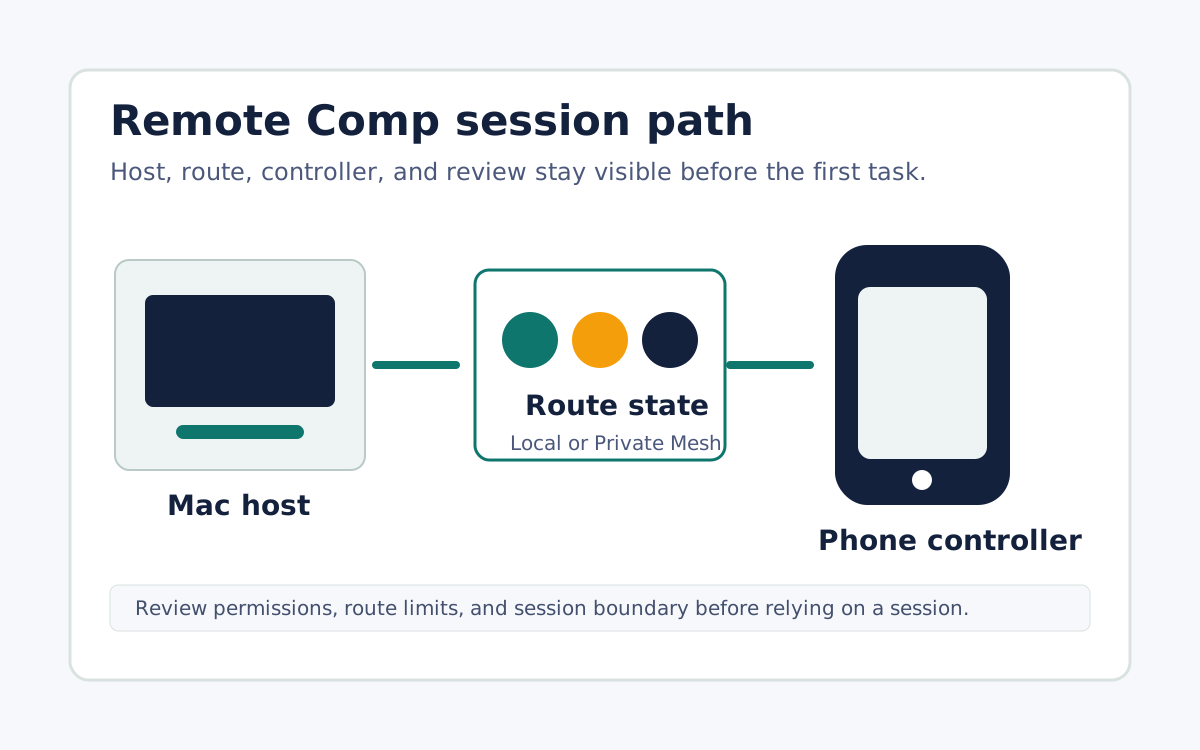
If your specific goal is controlling your own Mac from an iPhone, judge alternatives by fit rather than by the length of a feature list. Broad remote access tools such as TeamViewer, AnyDesk, and Splashtop are cross-platform and widely deployed for attended and unattended support across Windows, Linux, macOS, and mobile fleets, which is exactly what you want when reach across operating systems is the requirement. Remote Comp takes the opposite, narrower stance: it is phone-native remote control for supported Mac workflows, pairing a Mac menu bar host with an iPhone or iPad controller and keeping setup, permissions, route state, and limitations visible. Choose a broad tool when you need cross-platform coverage or a non-Mac host, since Remote Comp has no Windows or Linux host. Choose Remote Comp when the whole job is operating a trusted Mac from your phone with the permission and route boundary in plain sight.
Judge alternatives by the exact job
The strongest alternative is the one that matches your task, not the one with the longest feature list. Write down the host, the controller device, the route, and the first task you need to perform. For controlling one trusted Mac from your own iPhone, prioritize clear permissions, visible route state, and a narrow supported scope over breadth you will never use. For reaching many machines across operating systems, prioritize cross-platform coverage and unattended access instead. A tool that is excellent for a fleet can be a poor fit for a single Mac, and the reverse is equally true.
The broad cross-platform category
TeamViewer, AnyDesk, and Splashtop are the well-known broad options. At a durable level they are cross-platform remote access tools supporting attended and unattended sessions across Windows, Linux, macOS, and mobile devices, and they are widely deployed for IT support and mixed hardware. We do not quote their pricing or perishable feature details here, since those change and are not ours to certify. Their shared strength is reach: they are built to connect to many kinds of endpoints, which is the right trade when your requirement is coverage across operating systems rather than depth on one Mac.
Where Remote Comp fits as the narrow option
Remote Comp is the purpose-built, narrow alternative for one job: phone-native remote control of supported Mac workflows. The host is a Mac running the menu bar agent, paired intentionally to an iPhone, iPad, or browser controller, and the product keeps setup, permissions, route state, and limitations visible rather than hidden behind broad promises. It is not a general cross-platform remote desktop, it has no Windows or Linux host, and it does not manage unattended fleets. If your task is exactly operating a Mac you own from your phone, that focus is the feature; if your task is broader, a cross-platform tool is the better fit.
A short checklist before you commit
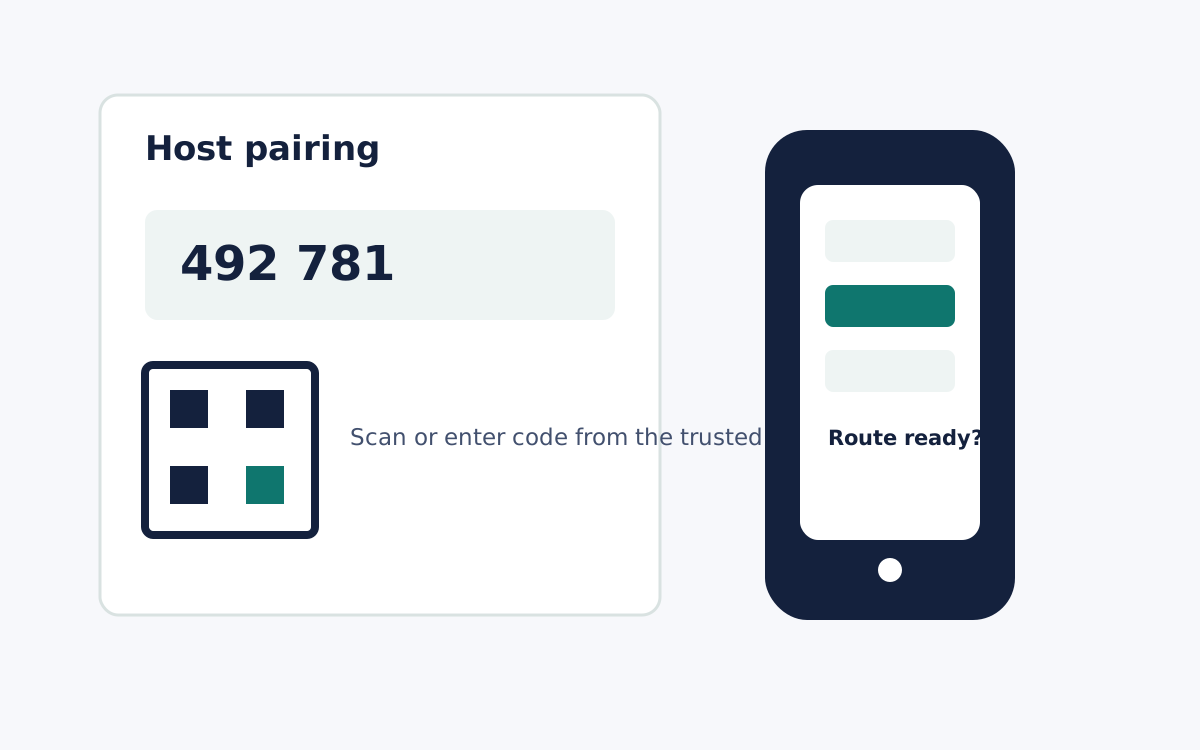
Confirm the host operating system the tool must run on, since a Mac-only host tool cannot control a Windows or Linux machine. Confirm the controller device and whether pairing starts from the trusted host. Confirm that permissions such as Screen Recording, input control, and Local Network prompts are explained in plain language with a revocation path. Confirm the route state is visible before a session, and test latency on the exact route you will use rather than trusting a universal or comparative speed claim. Matching these against your task tells you which alternative actually fits.
What it looks like