Direct answer
Remote Comp is a fit when a trusted Mac already has the task context and the controller only needs to operate that host. Treat compatibility as a matrix: host OS, controller device, permissions, network route, and the state of the computer all matter.
Steps
Name the host computer
Confirm the work is on a trusted Mac and that the person operating it has authority to start the session.
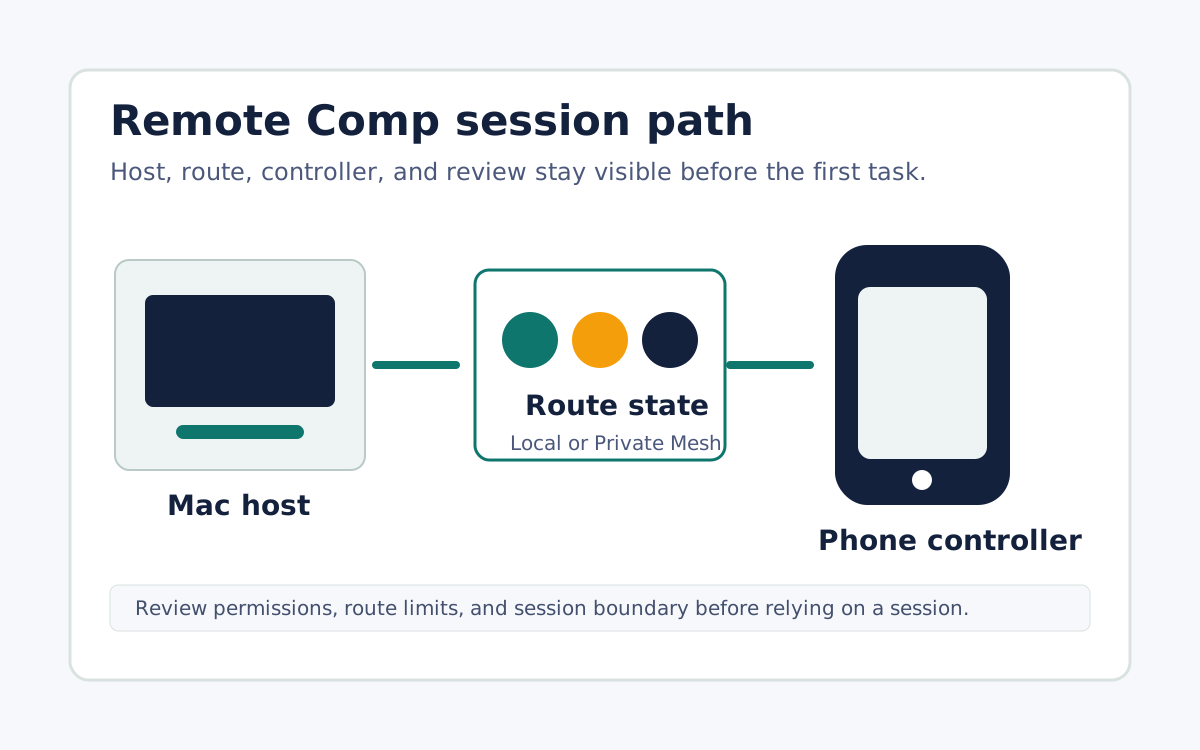
Name the controller
Decide whether the job needs an iPhone, iPad, or browser controller. The controller choice should match the setting and the precision needed.
Name the task
Use a first task such as checking a running app, making a small change, controlling a demo, or helping a teammate with an approved session.
FAQ
Should I use it for every desktop task?
No. Use it when the task benefits from operating the real host. A recording, prototype, device-management tool, or logs may be better for other jobs.
Can copy say every device and route is supported?
No. Public copy should say supported workflows and attach the compatibility matrix before making device, OS, or route-specific claims.