Short answer
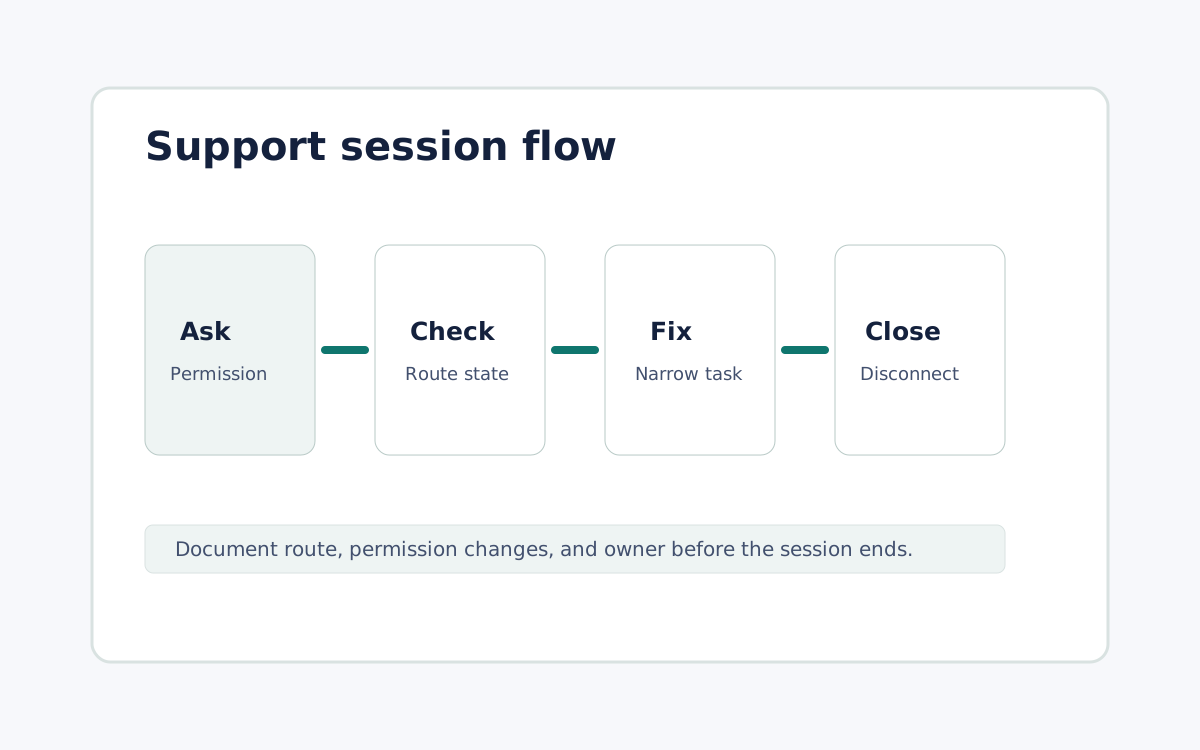
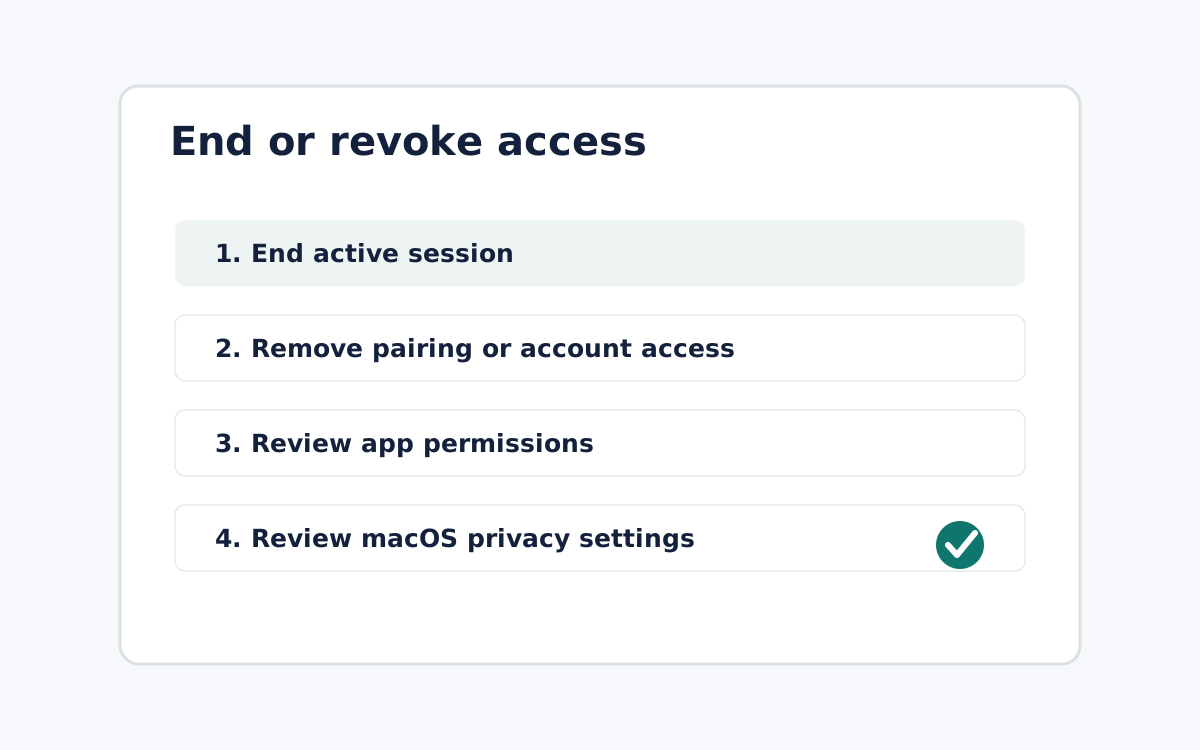
Remote support should start with authorization, not an exposed network hole, so treat the session as a short, approved moment rather than a standing open door. With Remote Comp, the person at the host understands what the operator needs to see, what they need to control, and when the session ends before anything begins. The host starts at the problem, route state stays visible, and support copy names the current route instead of claiming broad network behavior the product has not proven for that exact path. When the fix is done, record the symptom, cause, route used, permission changes, and next owner, then disconnect and confirm the host is no longer controlled. This keeps support permissioned and inspectable without asking anyone to open inbound ports or leave an unattended pathway running after the authorized work is finished.
Ask for permission first
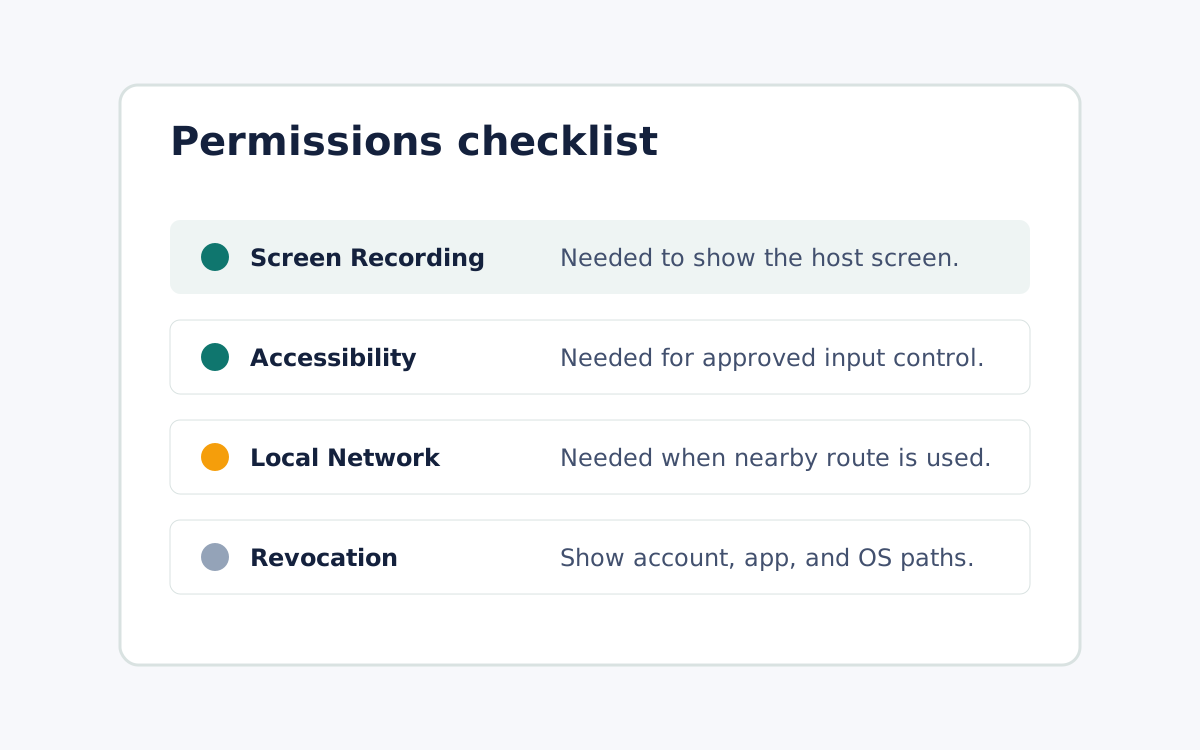
The person at the host should understand what the operator needs to see, what they need to control, and when the session will end.
Keep the route state inspectable
Support copy should name the current route and avoid claiming broad network behavior that the product has not proven for the exact session path.
Document and disconnect
Record the symptom, cause, route used, permission changes, and next owner before the session closes.
What it looks like