Short answer
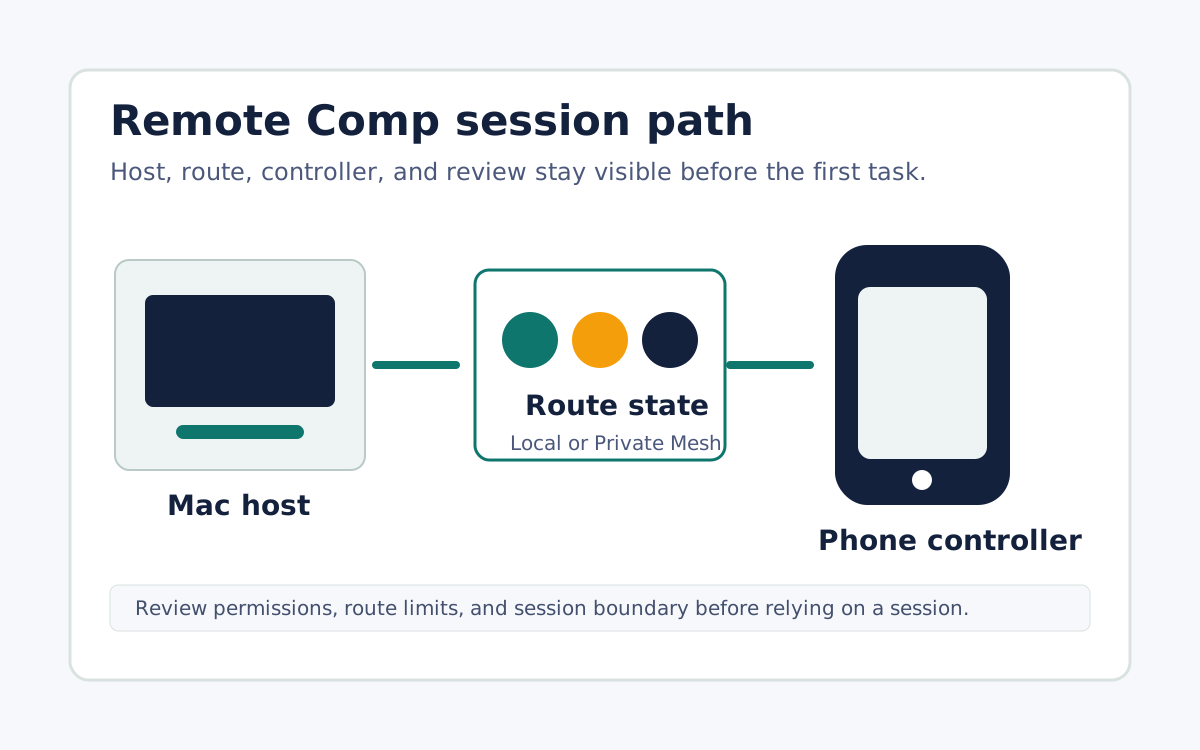
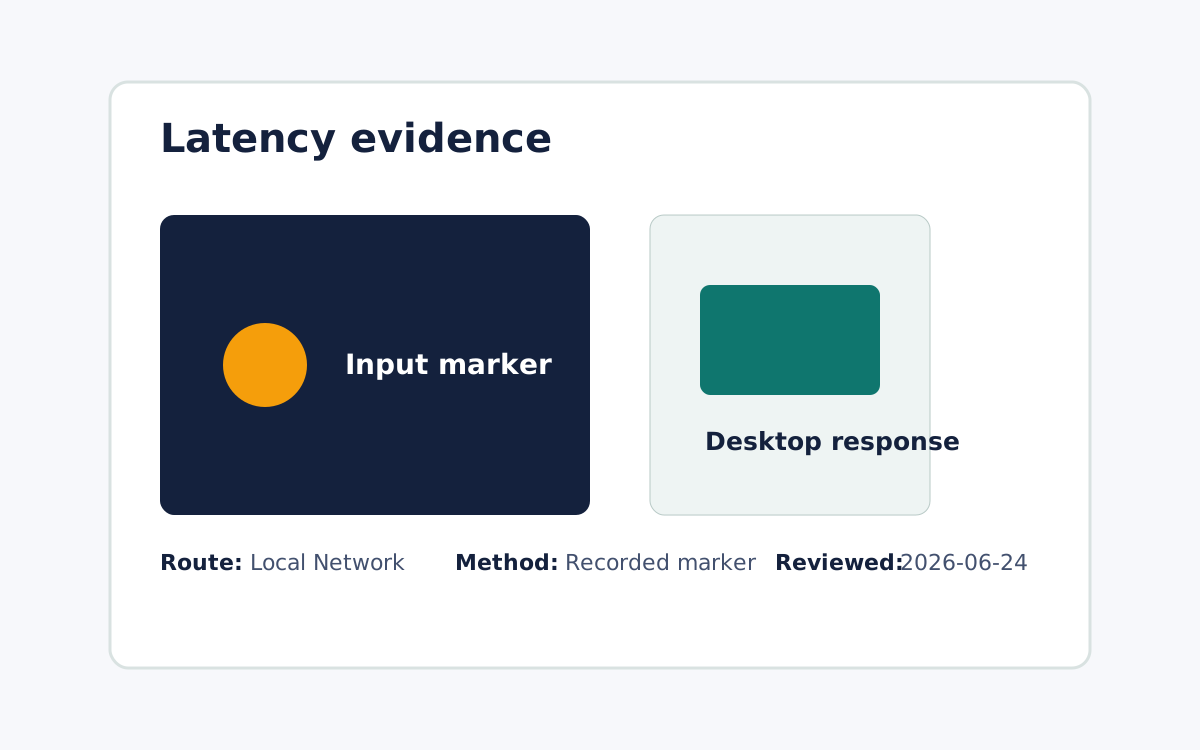
The best app depends on the exact Mac task, route, and permission model, not on a single name that wins every use case. Remote Comp is built for supported Mac workflows where the host is a trusted Mac, the phone or tablet controller is paired intentionally, and route state is visible before the session starts. Evaluate any candidate on narrow, real jobs such as checking a running app, controlling a demo, or handling an approved support moment, and confirm it names the host, the controller device, the route, and the first task. Look for plain permission language covering Screen Recording, input control, and Local Network prompts, plus a clear revocation path. Treat speed as a measured property of the route you will actually use rather than a universal promise, and keep the tested path attached to any latency claim so the evidence stays honest.
Start with the job, not the app category
A good phone-to-Mac control setup should name the host Mac, the controller device, the route, and the first task. Remote Comp should be evaluated on narrow tasks such as checking an app, controlling a demo, or handling an approved support moment.
Compare route visibility
Look for Local Network or trusted remote-route state before depending on a session. Same-network proof does not prove every away-from-desk route, so keep the tested path attached to the claim.
Compare permission clarity
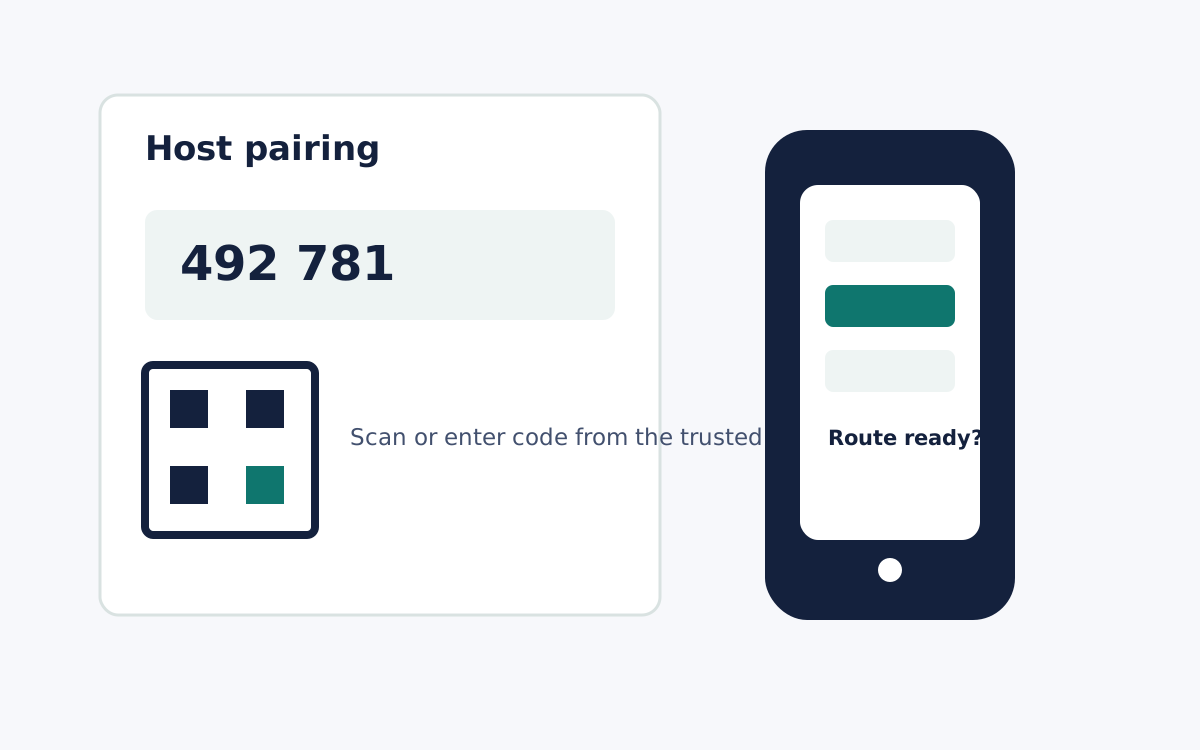
The app should explain Screen Recording, input control, Local Network prompts, and revocation paths in plain language. Avoid any tool that hides setup boundaries behind broad promises.
What it looks like