Direct answer
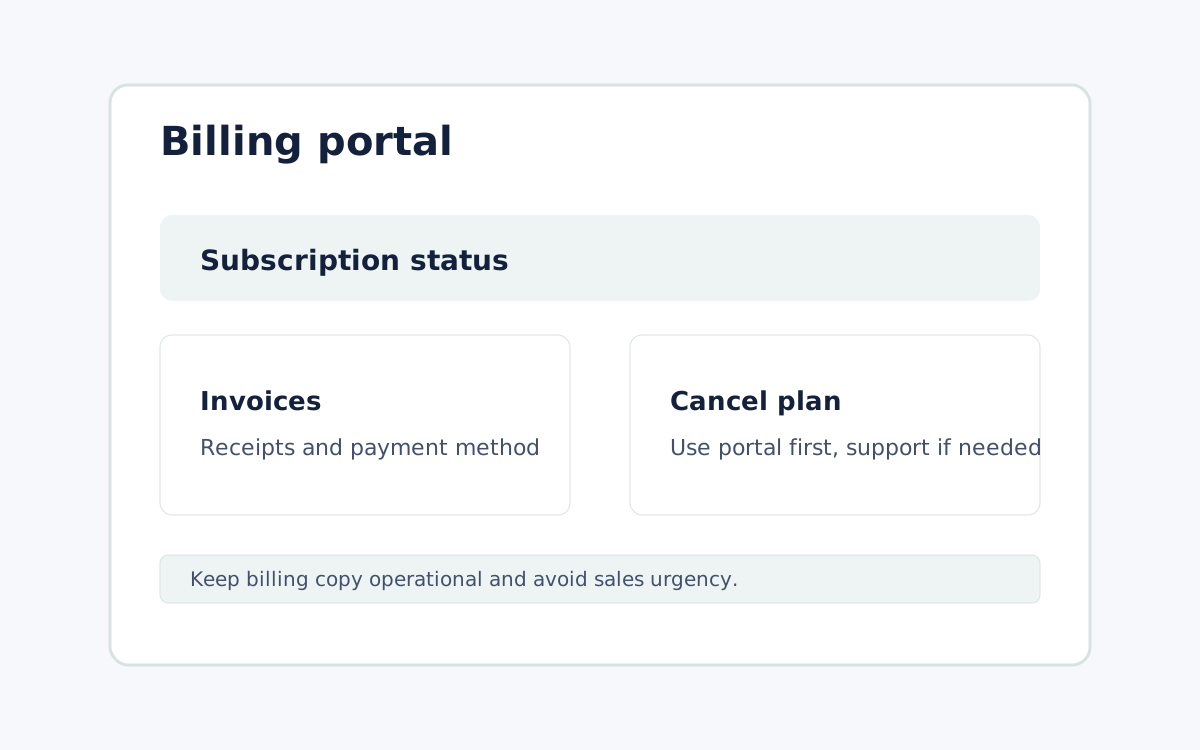
For web subscriptions, start at the Remote Comp billing portal. If the portal cannot locate the subscription, contact support and request cancellation. Do not require a phone call or in-person visit for a subscription started online.
Steps
Open the billing portal
Start with the self-service billing portal for web subscriptions and subscription status.
Use support when lookup fails
If the portal cannot locate the subscription, contact support with the billing email and request needed.
Keep cancellation friction low
For subscriptions started online, do not require the customer to call or visit a physical location to cancel.
FAQ
Where should billing support send users first?
Send web subscribers to the billing portal, then to support if the portal cannot find them.
Can billing copy add promotions or limited-time offers?
No. This help article should stay operational and avoid fake urgency or pricing copy that can go stale.
Did this help?
Use support if billing lookup fails.